 Bulin 47 AI
Recommended photo examples
Look for the same practical qualities shown in these framing references: one obvious person, a readable face, space around the hair, and visible shoulders. The images illustrate selection and crop only; they are not published as verified input-output pairs.
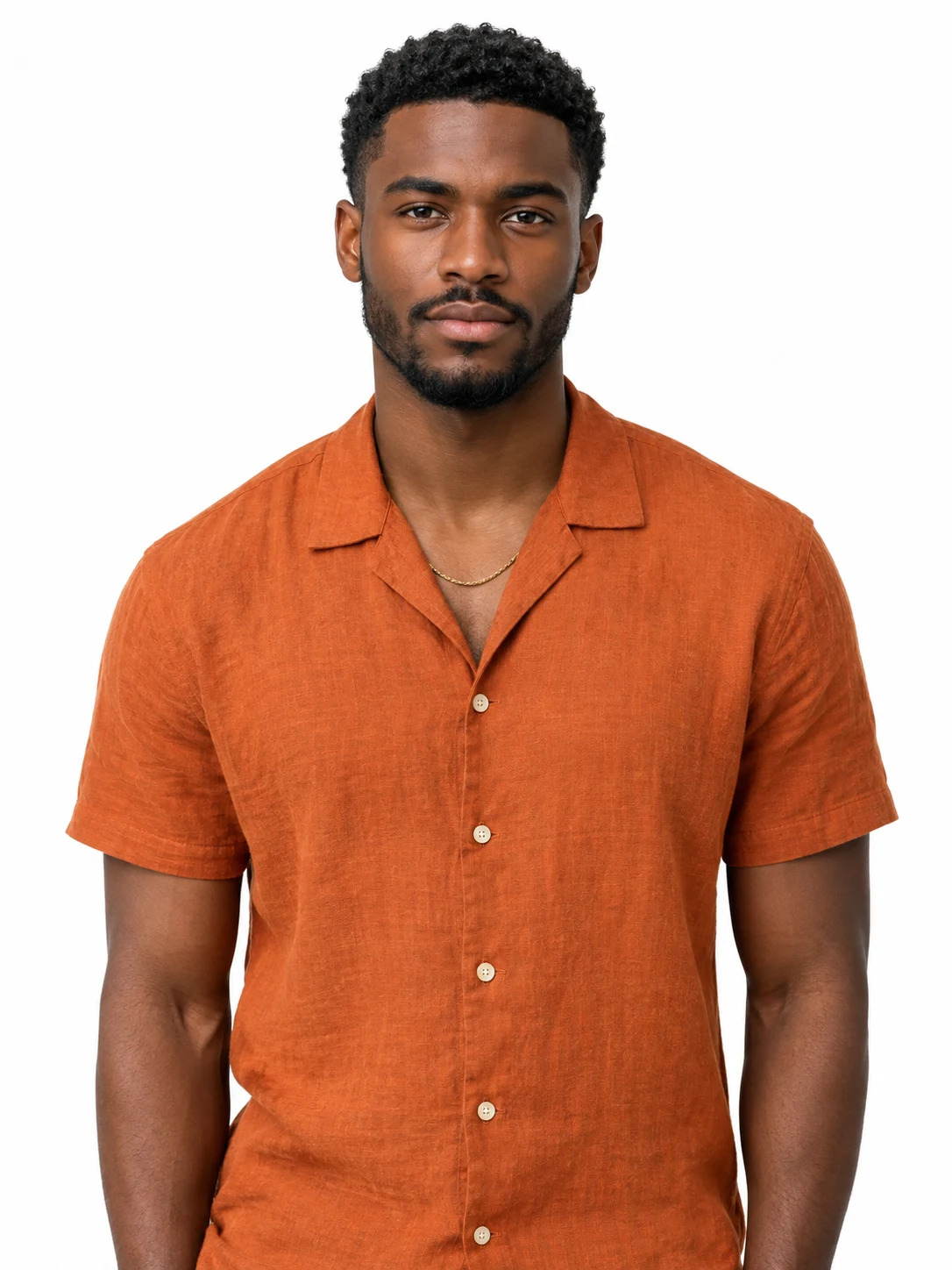
Clear face and simple crop
The intended subject should be immediately obvious at thumbnail size. Eyes, mouth, jaw, and hairline should remain readable.
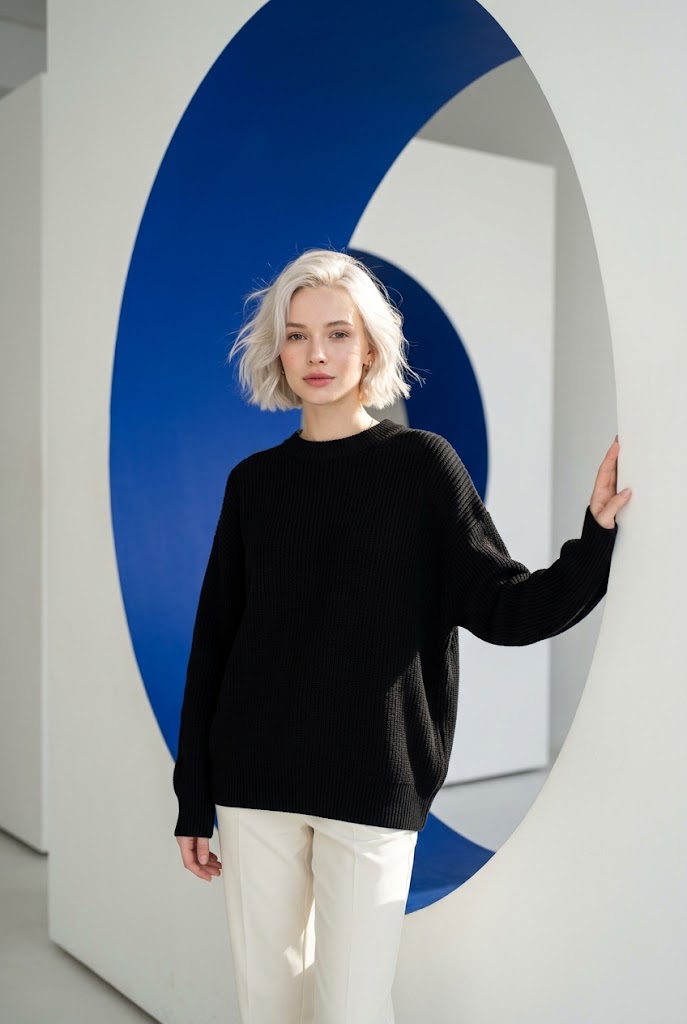
Head, shoulders, and upper body
A little room around the subject preserves more information about hairstyle, neckline, clothing, and body proportions.
Recommended and not recommended
Face in focus
Use a file where the eyes and mouth stay sharp when you zoom in.
Sunglasses or a covered face
Choose another image if dark lenses, hair, a hand, mask, or prop hides key features.
One person in even light
Soft front or side light is easier to read than hard backlight or deep colored shadow.
Groups and reflections
Extra faces, posters, mirrors, and photo collages can make the intended identity ambiguous.
Natural detail
Prefer an original image with restrained editing and recognizable skin and hair texture.
Blur, filters, or a tight crop
Do not rely on an enlarged screenshot, a face-changing filter, or a crop through hair and shoulders.
The Bulin 47 AI photo guide uses “recommended” to describe a clearer input, not a performance claim. Motion, occlusion, and the generation model can still alter a good source.
Frame the head, shoulders, and body
A close headshot provides facial detail but little information about clothing. A distant full-body photo shows the outfit but may leave too few pixels for the face. For this one-person workflow, a head-and-shoulders or half-body image is the most cautious starting point: keep the full head, both shoulders, neckline, and some torso visible without leaving the person tiny in the frame.
How clothing and hair can affect the result
The source photo supplies visible cues such as hair length, color, silhouette, neckline, and garment color. Fine curls, jewelry, lettering, team logos, stripes, and loose fabric are harder to keep identical over many newly generated frames. Hair or clothing can also cover parts of the face and make identity less stable.
If an outfit matters, keep it clearly visible and avoid folding arms or large objects across the torso. Do not upload a team jersey on the assumption that every letter or badge will remain exact. The current code proves a photo-led workflow, but it does not prove a garment-preservation rate. The same limit applies to hair, skin tone, body shape, and accessories.
If you only have a selfie
A selfie can work as an input when it is sharp and natural. Use the rear camera timer or ask someone to step back if an arm-length lens makes the face look stretched. Face a window or another soft light, clean the lens, hold the camera near eye level, and include the top of the head and both shoulders. Turn off portrait blur if it erases hair or ears.
Use the Bulin 47 AI photo guide as a quick final comparison between your selfie and any other portrait you can use. Choose the file with clearer facial detail and fewer obstructions.
Compare two or three files at the same zoom. First choose the sharpest unobstructed face; then compare light, crop, and clothing. Do not choose by megapixels alone. A high-resolution but blurred selfie carries less useful facial information than a smaller, focused original.
Upload checklist
Run through this Bulin 47 AI photo guide checklist before using credits:
- PermissionYou own the photo or have the pictured adult's permission to transform it.
- File typeThe live uploader accepts JPEG or PNG, not WebP, HEIC, GIF, or a video file.
- File sizeThe image is no larger than the verified 50 MB upload limit.
- One subjectThe intended person is the only clear face in the crop.
- Clarity and lightThe face is focused, evenly lit, and free from heavy filters.
- FramingThe full head, shoulders, and useful upper-body detail remain visible.
- No obstructionHands, hair, sunglasses, masks, shadows, and props do not cover the face.
Use the photo you selected
Apply the Bulin 47 AI photo guide, preview the exact JPG or PNG you plan to use, and review the visible cost before starting a generation.
Upload your photo